GET ZAPPTV
Download ZappTV
for Mobile and TV
Watch live TV channels and on-demand entertainment across your phone and TVChoose the right app for your device and follow the installation guide below
What you can watch on ZappTV
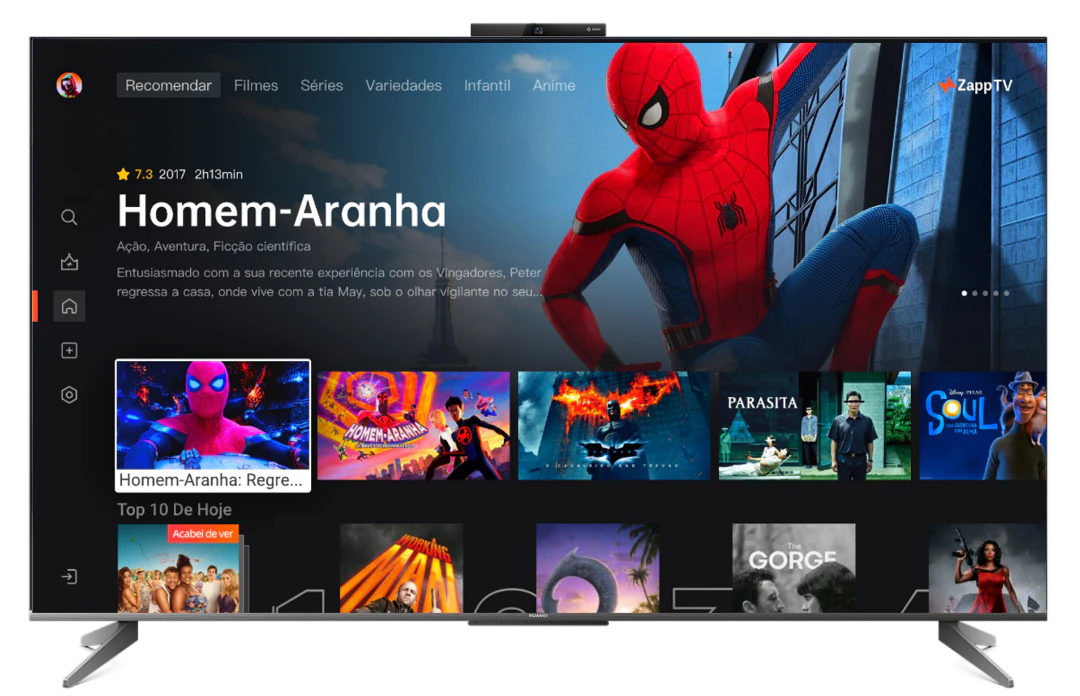
Explore movies, series and live channels in one app.
Rich On-Demand Content
Movies, series, documentaries, kids content, and more.
Live TV Channels
Browse live news, sports, entertainment, kids, and regional channels.
Sports and Family Picks
Find popular sports, family shows, and easy watching options.
Why download ZappTV?
Enjoy live TV and on-demand content on your preferred device.
Mobile + TV
Watch across phone and TV devices
Fast access
Open the app and find content quickly
Live + On-Demand
One app for channels and titles
Multiple devices
Suitable for family viewing scenarios
How to install ZappTV
Follow the steps for your device to install the app.

Install on TV with Downloader
- Open the Downloader app on your TV
- Enter the download code or URL: http://aftv.news/6151001
- Download the APK file
- Open the file and follow the installation prompts
- If required, allow installation from unknown sources in TV settings
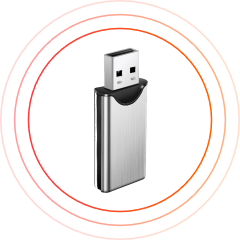
Install on TV with USB / Pen Drive
- Download the APK file on your phone or computer
- Copy the APK file to a USB / Pen Drive
- Connect the USB drive to your TV
- Open a file manager on your TV
- Select the APK file and install it
Before you install
Use official download links and review the permissions on your device.
Use official links
Only download from ZappTV official pages
Check permissions
Review app permissions during installation
Choose your device
Use the right mobile or TV version
Need help?
Use the activation guide or contact support
Frequently asked questions
Can I use ZappTV on both mobile and TV?
Yes. ZappTV works on both mobile devices and TVs. Sign in with the same account to enjoy your favorite content across supported devices.
How do I install ZappTV on my TV?
Download and install the ZappTV app on your supported TV or TV box. Once installed, open the app and follow the on-screen instructions to get started.
Is ZappTV free to watch?
ZappTV offers free content for you to enjoy. For access to more channels and on-demand content, you can upgrade to a VIP plan.